
Past, Present, and Future
- The primary purpose of any GPSr is to locate your present position with some acceptable degree of accuracy.
- Recording this information over a period of time, the GPSr can store, calculate and display useful information regarding your past journey.
- Locating and determining the optimum path between your current location and a selected destination can be accomplished more efficiently with access to relevant cartographic information.
- More versatile than a traditional paper version, the Map application can help you plot your future, and never needs re-folding!
-
Garmin GPSr map display hierarchy:
- City Navigator
- City Select
- MetroGuide
- MetroGuide Canada
- BlueChart g2 & BlueChart g2 Vision
- BlueChart
- Upper Midwest Fishing Guide
- Garmin Lakes
- Fishing Hot Spots
- US Recreational Lakes with Fishing Hot Spots
- MetroGuide with Roads and Recreation
- US Waterways and Lights
- US Roads and Recreation
- TOPO 24K
- TOPO
- TOPO and Topo 2008
- World Map
Map Controls
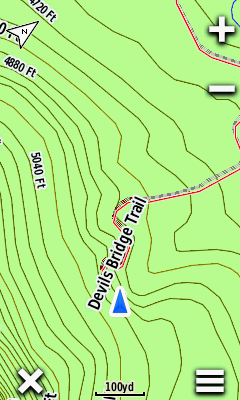
Orientation
- Select
 to cycle between track up and north up directly from the map screen
 - Place two fingers on the map screen and rotate the map to the desired view
 |
 |
 |
||||
|---|---|---|---|---|---|---|
| North Up |
Track Up |
Automotive Mode |
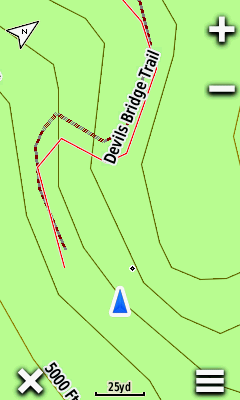
Scale
- Use

 to zoom in/out on the map, or
 - Use two fingers to spread (zoom in) or pinch (zoom out) the map screen
 |
 |
 |
 |
|||||
|---|---|---|---|---|---|---|---|---|
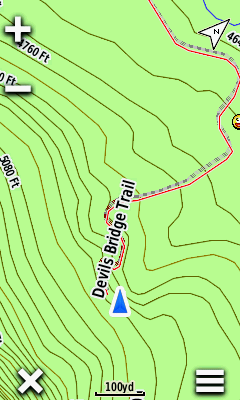
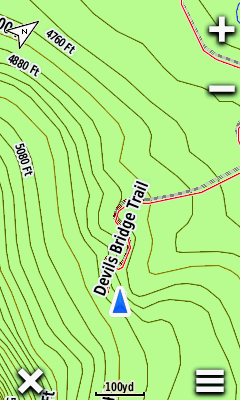
Button Location
 |
 |
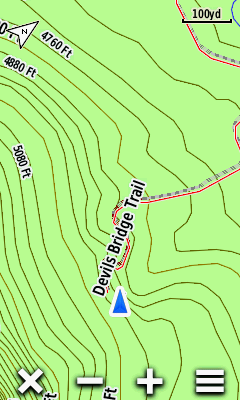 |
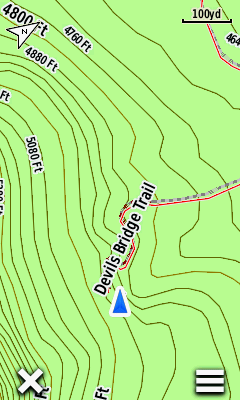 |
|||||
|---|---|---|---|---|---|---|---|---|
| Left |
Right |
Bottom |
Off |
 |
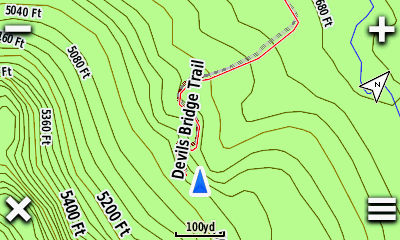 |
|||
|---|---|---|---|---|
| Side |
Corners |
|||
 |
||||
| Off |
Option Menu
- Map Setup option menus can be accessed directly from the Map page
 |
 |
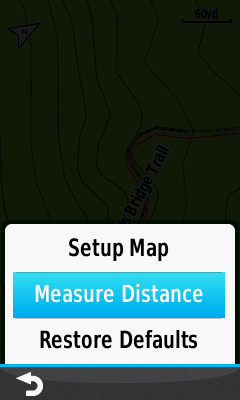 |
||||||
|---|---|---|---|---|---|---|---|---|
 |
[Setup Map] |
[Measure Distance] |
Map Information
Detail
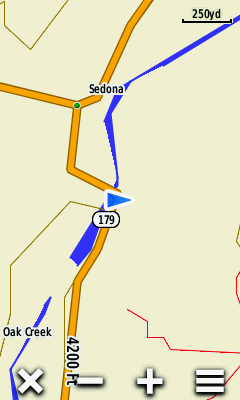
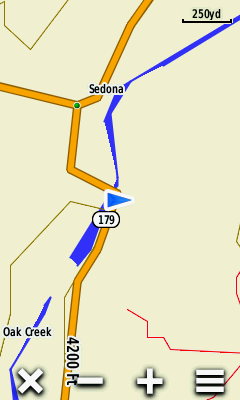
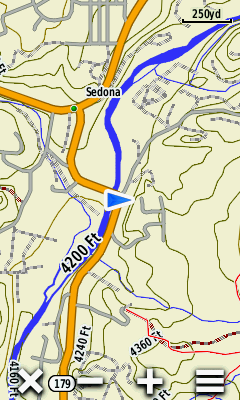
- [Setup > Map > Advanced Setup > Detail] controls how much map information will be displayed
| All Zoom Off |
||||||||
|---|---|---|---|---|---|---|---|---|
 |
 |
 |
||||||
| Least Detail |
Normal Detail |
Most Detail |
||||||
 |
 |
 |
||||||
| All Zoom On |
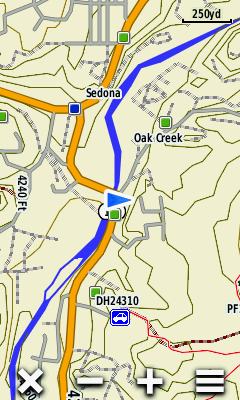
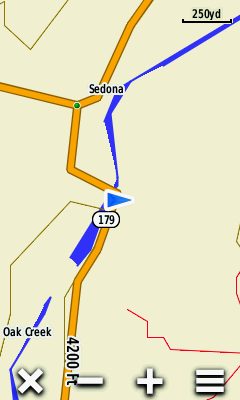
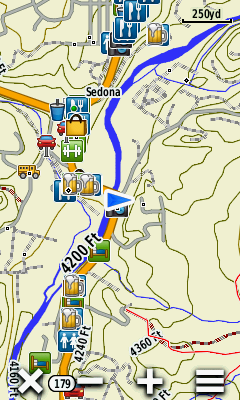
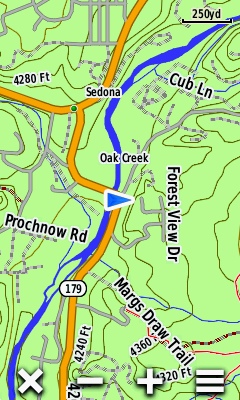
Zoom Levels
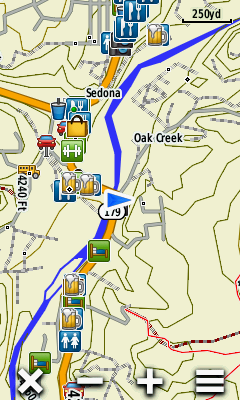
- [Setup > Map > Advanced Setup > Zoom Levels] controls what/when map information will be displayed
| Least Detail |
||||||||
|---|---|---|---|---|---|---|---|---|
 |
 |
 |
 |
|||||
| Map Points |
User Waypoints |
Street Labels |
Land Cover |
|||||
 |
 |
 |
 |
|||||
| Most Detail |
||||||||
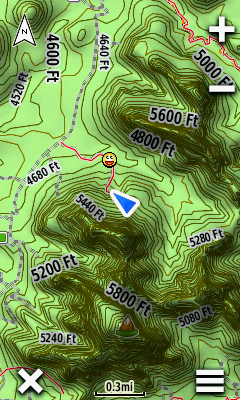
Shaded Relief
- [Setup > Map > Advanced Setup > Shaded Relief] is only available with maps containing sufficient DEM data enabled
 |
 |
 |
 |
|||||
|---|---|---|---|---|---|---|---|---|
Info Box
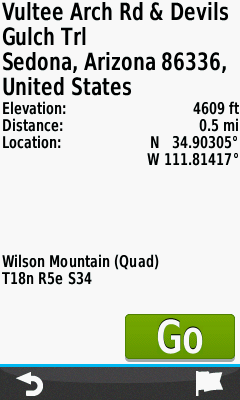
- View detailed information for selected map features
- Mark/Save/Edit a new waypoint
- Select a navigation destination
 |
 |
 |
 |
|||||
|---|---|---|---|---|---|---|---|---|
| Touch the map to select the desired feature |
 Close Info Box |
Select feature Info Box |
View feature details |
|||||
 |
 |
 |
 |
|||||
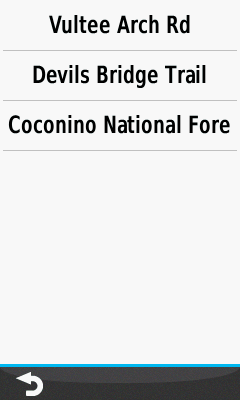
| Select feature menu for additional selections |
View all available features for the area selected |
Choose desired feature |
View feature details |
|||||
 |
 |
 |
 |
|||||
 Mark Waypoint |
Waypoint is saved [OK] |
 Edit waypoint |
[Go] Navigate to selection |
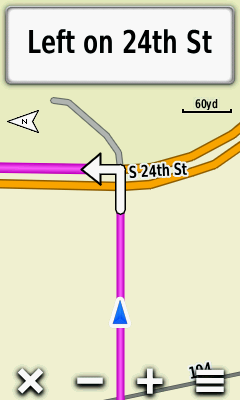
Guidance Text
 |
 |
 |
 |
|||||
|---|---|---|---|---|---|---|---|---|
| Approaching turn displayed [Track Up] |
Select the Info Box [North Up] |
View a list of maneuvers for the active route |
Select any maneuver to view specific details |
|||||
 |
 |
|||||||

 Scroll through the list of maneuvers as desired |
||||||||
Dashboards
- View additional information directly from the Map page
- Access favorite shortcuts and applications directly from the Map page
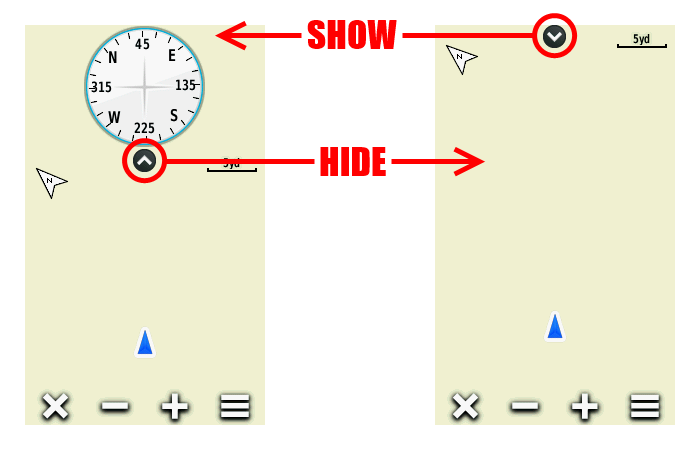
- Show/hide the active dashboard directly from the Map page; the full screen map is always available
- Detailed dashboard information available in Dashboards
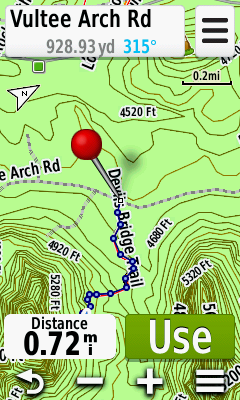
Measure Distance
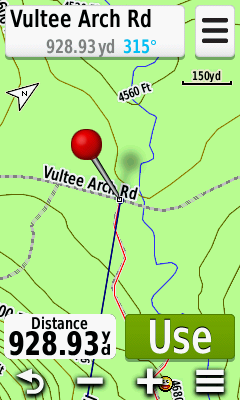
- Find the distance from your current position to any map feature
Direct
|
 |
 |
 |
|||||
|---|---|---|---|---|---|---|---|---|
[Measure Distance] |
Red pin is dropped near your present location |
Pan and zoom map toward item to be measured |
Distance to map item under red pin is displayed |
Multi-Point
|
 |
 |
 |
|||||
|---|---|---|---|---|---|---|---|---|
[Measure Distance] |
Red pin is dropped near your current location |
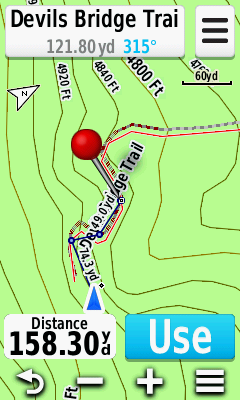
Pan and zoom map to first point and select [Use] |
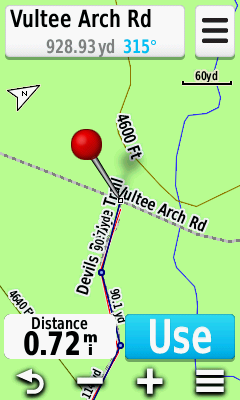
Pan and zoom map to next point and select [Use] |
|||||
 |
 |
 |
||||||
| Repeat for each additional point to be measured |
At each point the total path distance will be displayed |
Zoom out to view full path as selected and measured |
